The Most Essential Gaming Accessories in 2026
Great games do not require a room full of expensive gear. But the right gaming accessories can make every session more comfortable, reliable, and immersive—whether you play on PC, PlayStation, Xbox, Nintendo Switch 2, or a mix of platforms.
In 2026, the smartest upgrades solve a real problem: shaky aim, flat audio, a dead controller mid-match, an uncomfortable desk setup, or too little storage for a growing library. Start with the essentials below, then choose the extras that suit the games you actually play.
1. A Comfortable, Responsive Controller
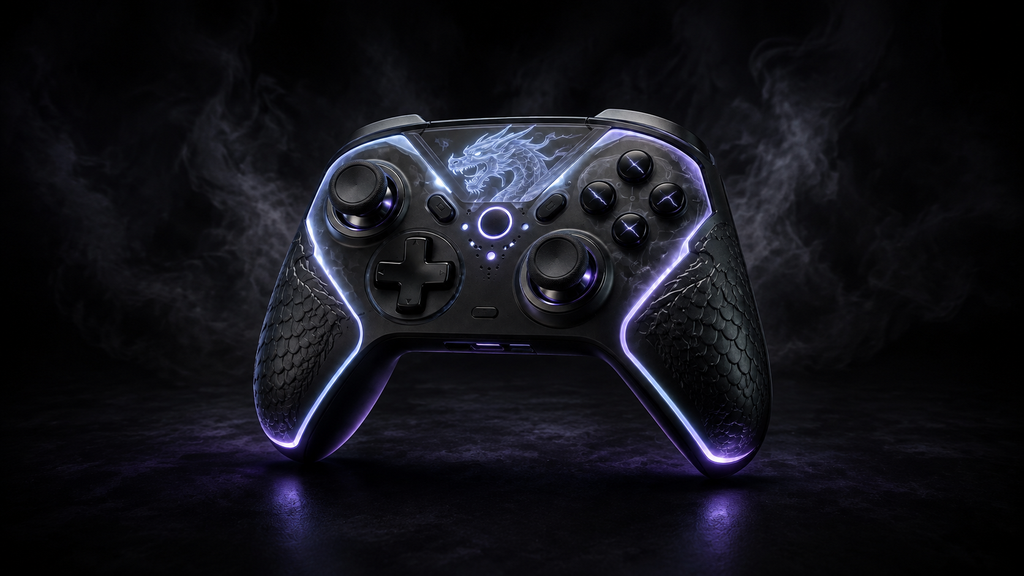
For many players, a good controller is the most noticeable gaming upgrade. It is especially useful for racing games, sports titles, fighting games, platformers, and couch co-op. Look for a shape that fits your hands, responsive sticks and triggers, a dependable wireless connection, and USB-C charging.
What to look for
PC players should check operating-system and game compatibility before buying. Console players should buy a controller made for their exact platform. Premium options with remappable buttons, swappable stick caps, or rear paddles can be worthwhile for competitive players, but a well-built standard controller is enough for most people.
If you own a Nintendo Switch 2, a dedicated Pro-style controller can make long TV-mode sessions more comfortable, while extra Joy-Con 2 controllers are practical for local multiplayer.
2. A Low-Latency Gaming Headset
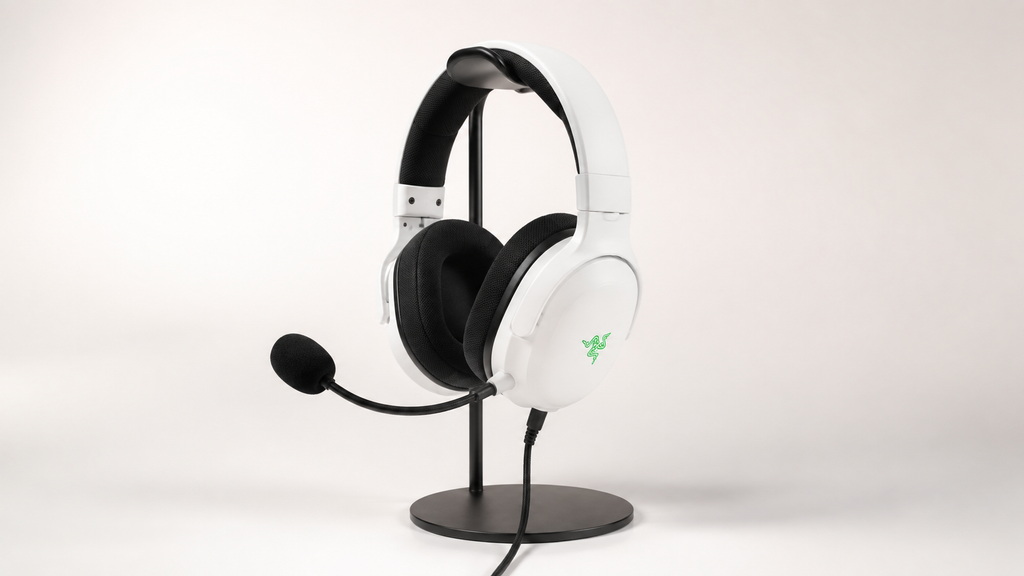
A gaming headset improves two things at once: you hear positional cues more clearly, and teammates hear you without relying on your device’s built-in microphone. That matters in multiplayer shooters, co-op games, raids, and voice-chat hangouts.
Prioritize fit over flashy specs
Choose soft ear cushions, an adjustable headband, and a microphone you can position close to your mouth. A wired 3.5 mm or USB headset is often the easiest value choice. Wireless is more convenient, but check battery life, platform support, and whether it uses a low-latency USB receiver rather than Bluetooth alone.
Surround-sound labels are less important than clear tuning, good isolation, and comfort through a full play session. For a quiet single-player setup, quality headphones plus a separate USB microphone can also be an excellent combination.
3. A Mechanical or Hall-Effect Keyboard
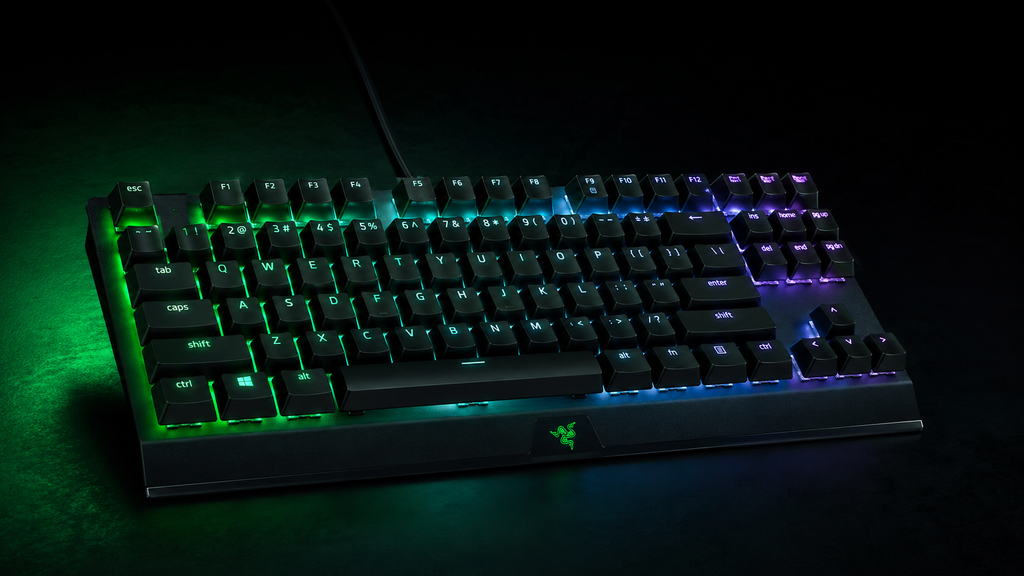
For keyboard-and-mouse games, a reliable gaming keyboard is a core accessory. Mechanical keyboards offer distinct, consistent key presses, while Hall-effect models use magnetic sensors and can allow adjustable actuation on supported boards.
Pick for your games and desk
Compact 65% and tenkeyless layouts leave more room for mouse movement. Full-size keyboards make sense if you use a number pad for work or simulation games. Focus on a stable case, anti-ghosting, easy-to-reach media controls, and a layout you can type on comfortably. RGB lighting is fun, but it should be a bonus—not the reason you choose a keyboard.
4. A Precise Gaming Mouse and Large Mouse Pad
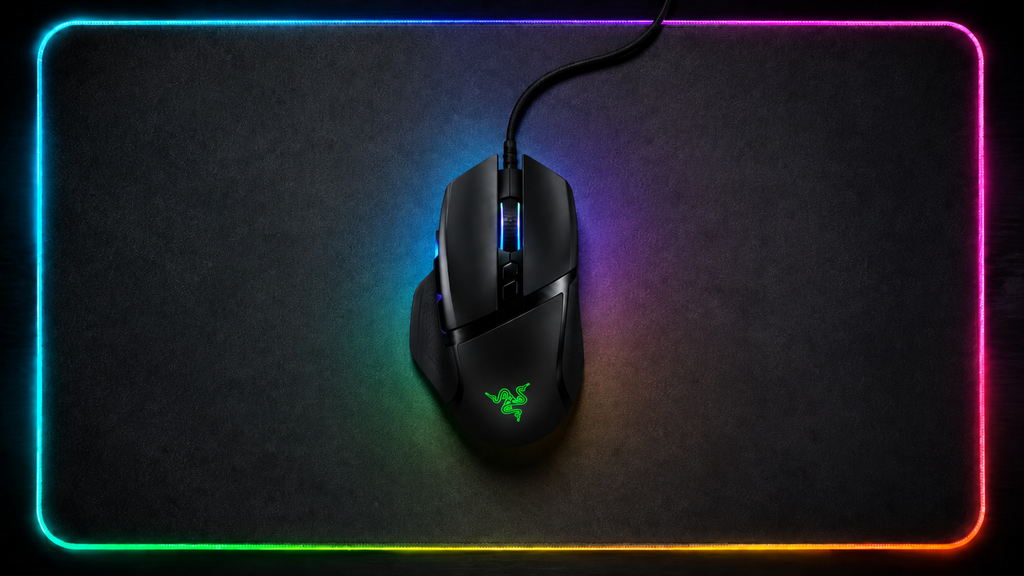
A gaming mouse and mouse pad work as a pair. A good mouse should track consistently, feel balanced in your hand, and have buttons that are easy to reach without accidental clicks. A large pad gives you a predictable surface and protects your desk.
Match the mouse to your grip
Palm-grip players often prefer a taller, more supportive shape. Claw and fingertip players may like a shorter, lighter mouse. For fast FPS games, low weight and a flexible cable or strong wireless connection are useful. For MMOs and strategy games, extra side buttons can be more valuable than shaving off a few grams.
Skip chasing extreme DPI numbers. Sensor consistency, shape, weight, and comfort have a far bigger day-to-day impact.
5. A Fast, High-Refresh-Rate Monitor
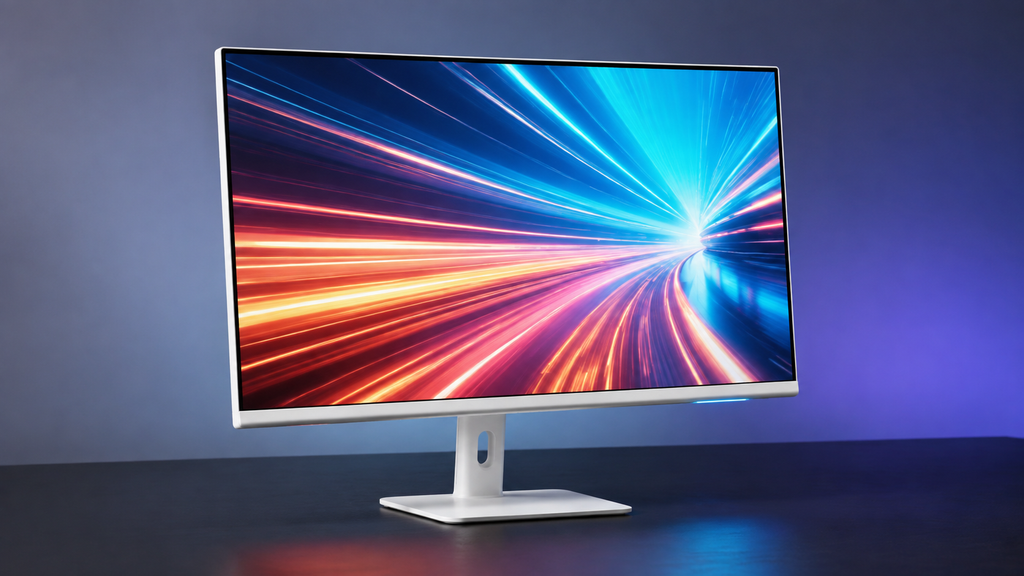
A monitor is not a small accessory, but it may be the biggest quality-of-life upgrade for PC and console gaming. A higher refresh rate can make supported games look smoother, while low input lag helps controls feel more immediate.
Buy for your system, not a spec sheet
For competitive PC play, a 144 Hz or faster display is a strong starting point when your computer can produce matching frame rates. For story-driven games, image quality, contrast, screen size, and resolution may matter more. Console players should confirm supported resolution, refresh rate, HDMI features, and variable refresh rate compatibility before buying.
Set the monitor to its intended refresh rate after installation. Many people forget this simple step and never see the benefit of their new display.
6. A Controller Charging Dock or Rechargeable Battery Pack
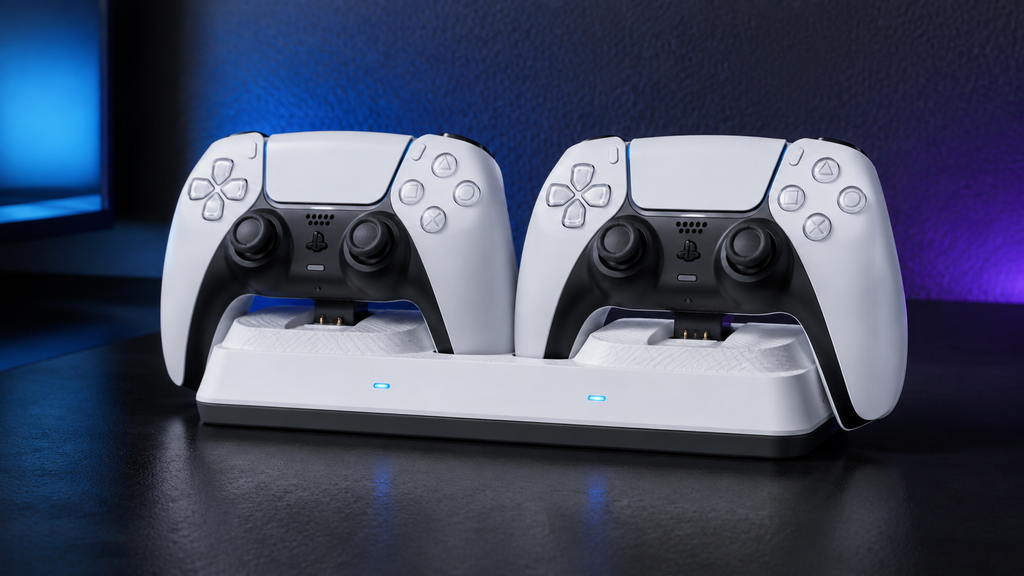
Running out of power during a match is avoidable. A charging dock keeps controllers visible and ready, while rechargeable battery packs reduce disposable-battery waste for controllers that use replaceable cells.
Keep charging simple
Choose a dock designed for your controller model and use a reputable USB power source. For handheld gaming, pack a quality USB-C cable and compatible power bank for travel. Avoid accessories that obstruct vents, strain ports, or force an awkward fit.
For a shared setup, a two-controller dock is one of the most useful small purchases you can make.
7. Extra Storage for Games and Captures
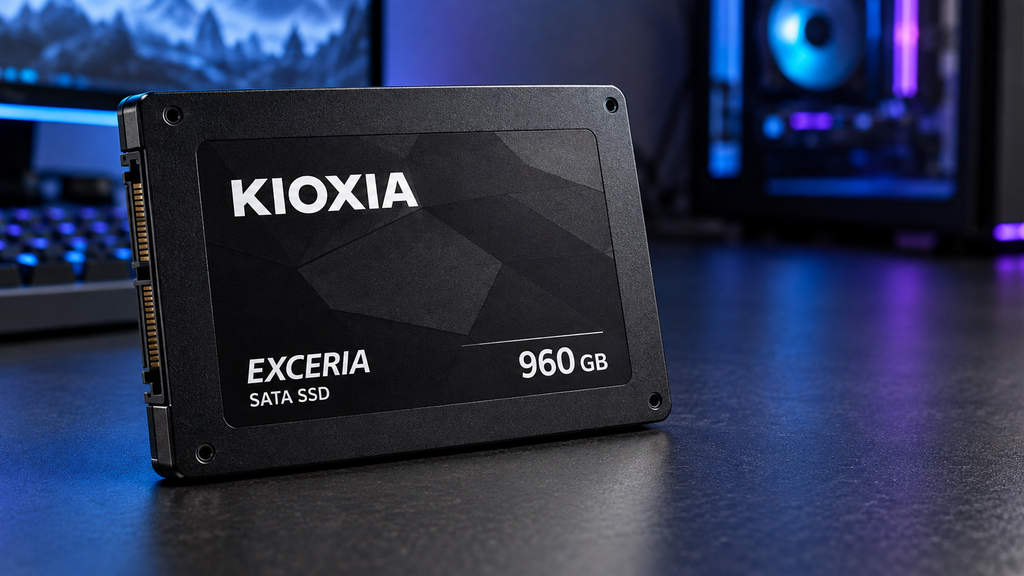
Modern games are large, and downloadable updates make storage disappear quickly. Extra storage prevents constant uninstalling and reinstalling, especially for players who rotate among several big games.
Choose the right storage type
PC gamers can add an internal SSD when their system supports it, or use an external drive for less frequently played titles and backups. PlayStation and Xbox owners should use storage that meets their console’s official requirements. Nintendo Switch 2 owners should verify the required card type before purchase; compatible microSD Express storage is different from older microSD options.
Capacity matters, but so does compatibility. Check your platform’s documentation before you buy—not after a sale.
8. A Webcam or USB Microphone for Streaming and Calls
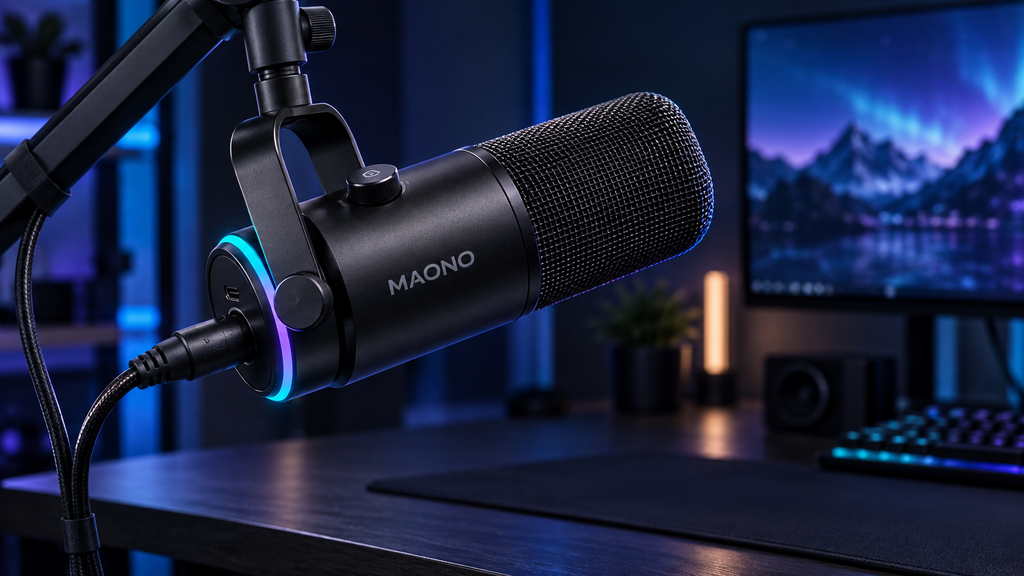
You do not need a full studio to make your stream, Discord call, or game-night chat feel better. A simple USB microphone can deliver clearer voice than many headset mics, while a webcam makes face-to-face co-op and streaming more personal.
Upgrade audio before video
If you can buy only one creator accessory, choose the microphone. Viewers and friends will tolerate average video more easily than muddy, distant audio. A basic boom arm or desktop stand also helps by placing the mic closer to your mouth and reducing desk noise.
For webcams, good room lighting matters more than chasing the highest resolution. Face a soft light source rather than sitting with a bright window behind you.
9. A Gaming Chair Alternative: Ergonomic Support
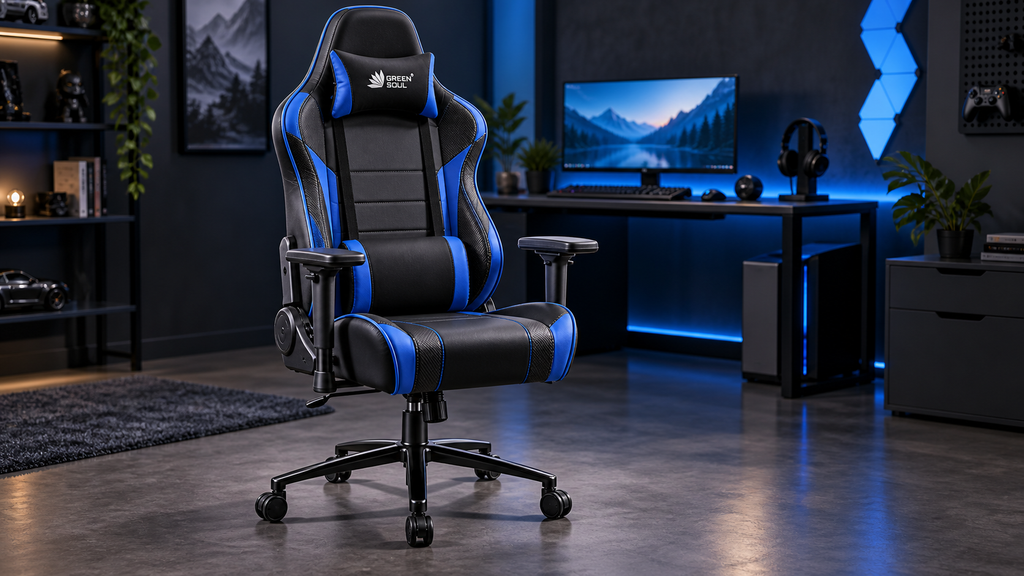
The best gaming seat is the one that supports your body for the time you actually play. That might be an adjustable office chair, a lumbar cushion, a footrest, or a monitor riser—not necessarily a racing-style gaming chair.
Build a comfortable setup
Keep your feet supported, your elbows close to a roughly 90-degree bend, and your display near eye level. If you play at a desk, an adjustable chair with firm support is more important than dramatic styling. If you play on a couch, a lap desk, headset stand, and controller charging spot can make the space calmer and easier to use.
Comfort is a performance upgrade. It helps you stay focused without constantly shifting, reaching, or craning your neck.
10. A Protective Case and Screen Protector for Handheld Gaming
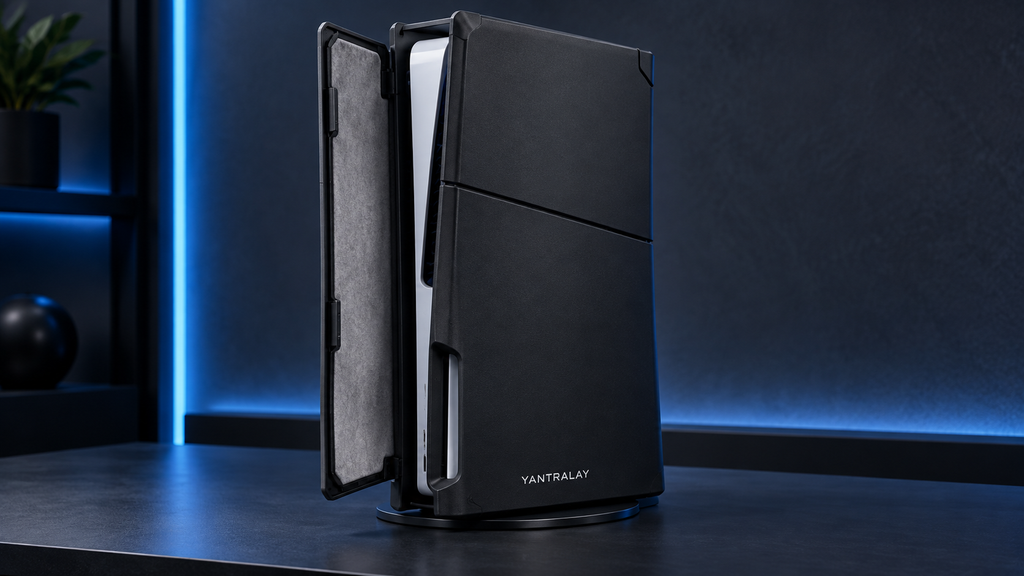
Handheld players need a different set of essentials. A fitted case protects the console in a bag, and a screen protector helps defend against scratches from daily travel. These accessories are low-cost compared with repairing or replacing a handheld system.
Do not block what the console needs
Use a case made for your exact handheld model. Check that it leaves vents, ports, speakers, and kickstands unobstructed. A travel case should have room for the console, cable, game cards, and a small cleaning cloth without putting pressure on the sticks.
For long trips, add headphones and a compact power bank that supports the device’s charging requirements.
How to Choose Gaming Accessories Without Wasting Money
Start by identifying your biggest friction point. Poor communication suggests a headset or microphone. Desk fatigue suggests ergonomic support. Missed shots may point to a better mouse and pad. Storage pressure calls for a compatible drive or memory card.
Then check four things before purchasing:
- Platform compatibility: Confirm that it works with your PC, console, handheld, or mobile device.
- Connection type: Compare wired, Bluetooth, and USB-receiver wireless options for latency and convenience.
- Comfort and fit: Read dimensions and return policies; hands, heads, and desks are not one-size-fits-all.
- Useful features: Pay for remapping, charging, extra buttons, or travel protection only if you will use them.
Avoid buying a complete setup in one go. Upgrade one pain point, use it for a few weeks, and let your actual habits guide the next purchase.
FAQs
What gaming accessories should I buy first?
Start with whatever most limits your current setup. For most PC players, that is a comfortable headset, a good mouse and mouse pad, or a controller. For console and handheld players, a charging solution, extra controller, protective case, or storage upgrade usually offers the best everyday value.
Are expensive gaming accessories worth it?
Only when their specific benefit matters to you. Competitive players may value low latency, remappable controls, and high-refresh displays. Casual and single-player gamers often get more value from comfort, reliable charging, clear audio, and platform-compatible storage.
Is wired or wireless gaming gear better?
Wired gear is usually simpler, needs no charging, and can cost less. Wireless gear reduces cable clutter and is more convenient from a couch or during travel. Pick wired when reliability and value are priorities; pick wireless when freedom of movement is worth managing batteries.
Final Takeaway
The most essential gaming accessories in 2026 are not necessarily the newest or most expensive. Choose gear that improves comfort, control, communication, charging, protection, or storage for the platform you already use. A thoughtful mouse, headset, controller, charging solution, or handheld case will make more difference than a pile of gadgets that never leave the box.